Landing at Split, Podgorica, Tirana, or Sarajevo with no data is a small problem that quickly becomes a real one. Your apartment host may be waiting for a message, the rental car pickup point may be harder to find than expected, and every map search on airport Wi-Fi takes longer than it should. Knowing how to use Balkan eSIM before you leave removes that friction without adding another stop to your travel day.
For travelers coming from the US, Western Europe, or elsewhere, an eSIM can be the simplest way to get mobile data across several Balkan destinations. But “Balkan” on a plan name does not automatically mean identical coverage, speed, or rules in every place you plan to visit. The practical part is choosing the right plan, installing it at the right time, and setting your phone so your normal number does not accidentally use expensive roaming.
What a Balkan eSIM actually does
An eSIM is a digital SIM profile installed directly on a compatible phone. Instead of buying and inserting a physical local SIM card, you receive installation instructions, usually as a QR code or through an app, and add the plan in your phone settings.
Most travel eSIMs are data-only. That is enough for maps, messaging, ride apps, email, accommodation check-ins, and calls through WhatsApp, FaceTime, Viber, or similar services. Your usual phone number can remain active for receiving calls or verification texts, but that arrangement needs a little care to avoid roaming charges.
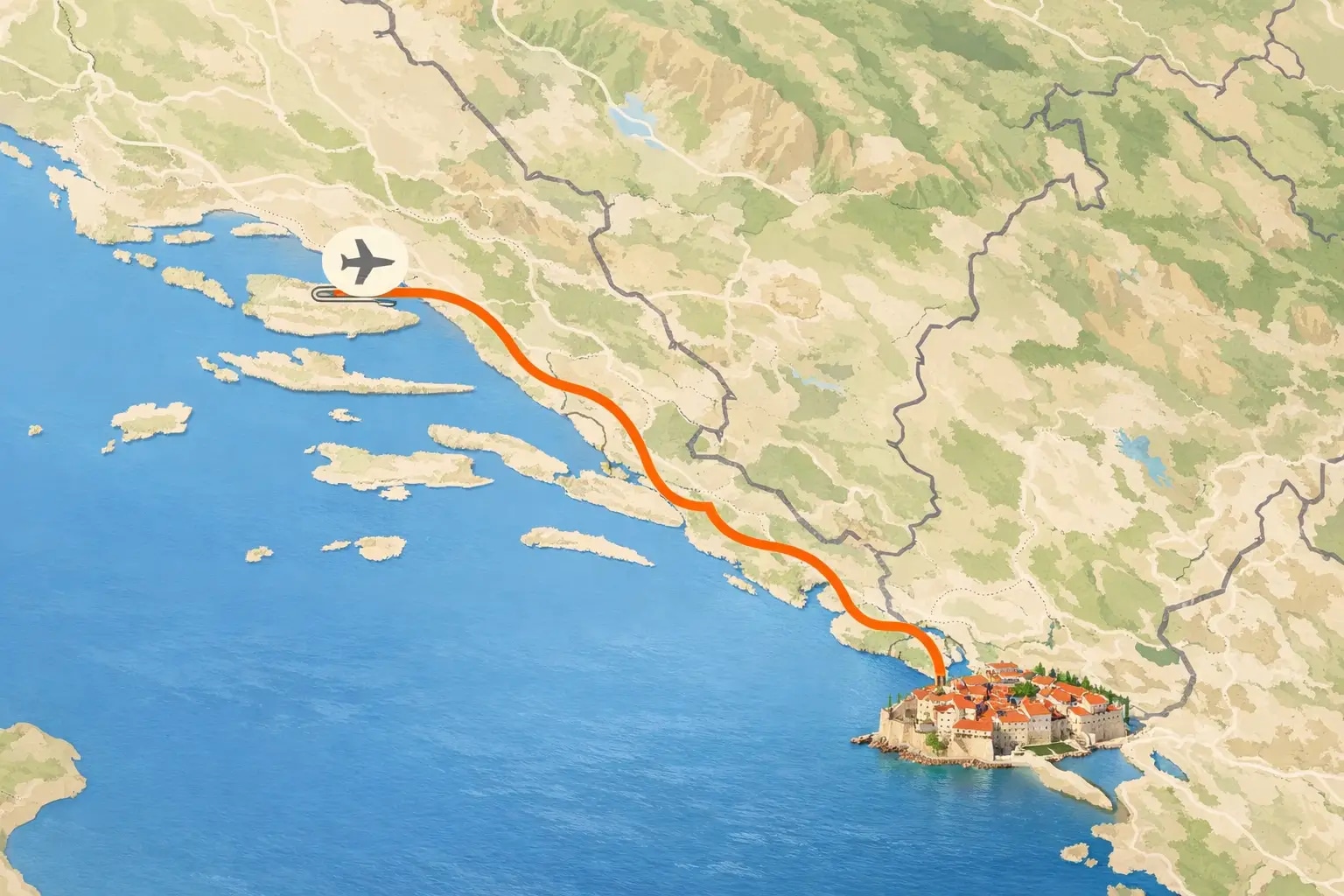
A Balkan eSIM is generally designed for travel across more than one country in the region. This is particularly useful for a road trip that combines Croatia’s coast with Montenegro, Albania, Bosnia and Herzegovina, Serbia, North Macedonia, or Slovenia. Still, read the country list rather than relying on the regional label. Coverage may include one itinerary and exclude another, while some plans work in a country but use a different local network there.
Before you buy: check the details that matter
First, confirm that your phone is both eSIM-compatible and carrier-unlocked. Most newer iPhones, Google Pixel models, and many recent Samsung phones support eSIM, but compatibility varies by model and by the country where it was purchased. A carrier-locked device may not accept a travel eSIM even if it has the technical capability.
Then think about the actual shape of your trip. A couple flying into Dubrovnik and staying in one town for seven days may be better served by a single-country plan. A family driving from Ljubljana to the Istrian coast, then continuing south, will usually value regional coverage more than the lowest headline price.
Data allowance matters, but not in the way many travelers assume. Light users who download offline maps and use hotel Wi-Fi can often manage with 3 to 5 GB for a week. For regular navigation, social media, restaurant searches, and sharing photos, 10 GB is more comfortable. If you plan to work remotely, stream video, upload large files, or keep several children connected in the car, look at larger plans or separate eSIMs for each device.
Also check three details before paying: the validity period, whether hotspot sharing is allowed, and what happens after you use the high-speed allowance. Some plans stop working when the data is gone; others reduce speed. Neither is necessarily bad, but it changes whether the plan is suitable for your trip.
How to use Balkan eSIM: install it before departure
Install the eSIM while you still have dependable Wi-Fi at home, in a hotel, or at the airport before your flight. Do not wait until you arrive if the provider requires you to scan a QR code from a second screen or receive a confirmation email. Installation usually takes only a few minutes, but travel days are not when you want to troubleshoot settings.
On an iPhone, go to Settings, then Cellular or Mobile Data, and choose Add eSIM. On Android, the wording differs by model, but it is usually under Settings, Network & Internet, Connections, or SIM Manager. Scan the QR code or enter the activation details manually.
Give the new line a clear label such as “Balkan Data.” That sounds minor, but it makes the next settings much easier to understand when you are tired after a late arrival.
Do not necessarily activate the plan immediately. Installation and activation are not always the same thing. Some plans begin their validity period as soon as they are installed, while others begin only when they connect to a supported network at your destination. Check this before you add it. If you are leaving in two weeks and the plan starts on installation, wait.
Set your phone to use the eSIM for data
Once the eSIM is installed, set it as your mobile data line. Keep your regular SIM selected for calls and texts if you need access to your usual number, especially for banking codes or airline updates.
The essential step is turning off data roaming on your primary SIM. Then turn on data roaming for the travel eSIM if its instructions require it. This sounds backward, but many travel eSIMs rely on roaming access to partner networks. Follow the instructions provided with your specific plan rather than treating “roaming” as automatically good or bad.
If your phone offers “Allow Cellular Data Switching,” turn it off. That prevents the device from quietly switching back to your home SIM when the eSIM signal is weak. For most travelers, this is the setting that prevents an unpleasant bill later.
When you arrive, test it before leaving the airport
After landing, turn off airplane mode and give the phone a few minutes to find a network. If it does not connect, restart the phone first. Then check that the Balkan eSIM is enabled, selected for mobile data, and permitted to use data roaming where needed.
Do a quick real-world test before you leave the terminal: open a map, send a message, and load the address of your accommodation. Airport Wi-Fi can hide a setup issue, so turn Wi-Fi off briefly to make sure mobile data is genuinely working.
A weak signal is not always a fault with the eSIM. Mountain roads, islands, national parks, older stone buildings, and some inland routes can have patchy coverage regardless of which plan you choose. Download your key maps, booking confirmations, and transfer details in advance. This is good travel practice even with an unlimited data plan.
Crossing borders on a Balkan road trip
Regional eSIMs are most useful when your route crosses borders, but they are not magic. As you move into a new country, your phone may take several minutes to register on a new partner network. In most cases, leaving the phone on and restarting it only if necessary is enough.
Before a long driving day, check that the next country is included in your plan. It is easy to assume that a plan covering the Adriatic coast also covers every inland stop on your route. Do not make that assumption when your navigation, accommodation messages, and digital tickets depend on data.
For a family trip, avoid making one person’s phone the only connection for everyone. If that phone loses battery, is left in the rental car, or has a network issue, the whole group loses maps and communication. At minimum, save important addresses and travel documents offline on another phone.
Keep data use realistic, not obsessive
You do not need to spend a vacation counting every megabyte. A few sensible habits make a modest plan go much further: download offline maps, disable automatic photo backups on mobile data, and save podcasts or children’s shows before a drive. Use accommodation Wi-Fi for large uploads and software updates.
Video-heavy social apps are usually the biggest surprise. Ten minutes of short videos can use more data than several days of checking routes, menus, and messages. If your plan has a fixed allowance, check usage every few days instead of waiting until it runs out on the road to your next stay.
An eSIM is not always the best choice. If you need a local phone number for frequent traditional calls, expect to stay for months, or need very large quantities of data, a local physical SIM may offer better value. For most short holidays and multi-country itineraries, though, the convenience is hard to beat.
The best eSIM setup is the one you stop thinking about. Set it up before departure, keep your home line from using data, and save the essentials offline. Then your phone can do what it should on a Balkan trip: get you to the hidden beach, the family apartment, or the next mountain turn without becoming part of the adventure.
Ready for your next adventure?
Compare flights, accommodation and activities – ljetovanje.com helps you find the best deals for your perfect holiday.
ljetovanje.com
Travel expert and contributor for Ljetovanje.com